

Frequently asked questions
If you're 18 or above and hold a new Smart HKID (2018 version), you can set up the HSBC Private Bank Hong Kong App simply with your HKID and a selfie.
Tips:
- Have your HKID ready
- Complete your set up in a private place with good lighting
Set up with your HKID
Step 1: Download and open the latest version of the HSBC Private Bank Hong Kong App.
Key in the same username and password you used when you registered on the HSBC Private Bank website.
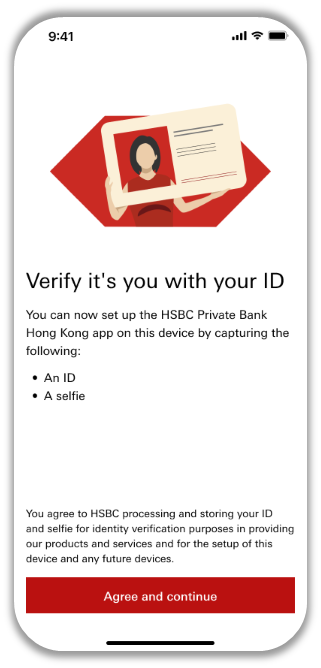
Step 2: Select 'Agree and continue' to proceed with the provisioning process.
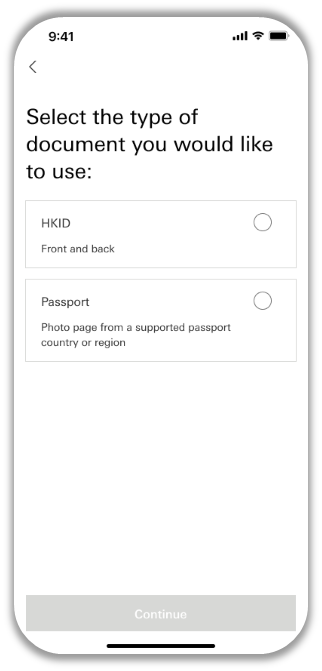
Step 3: Select 'HKID' and click 'Continue'.
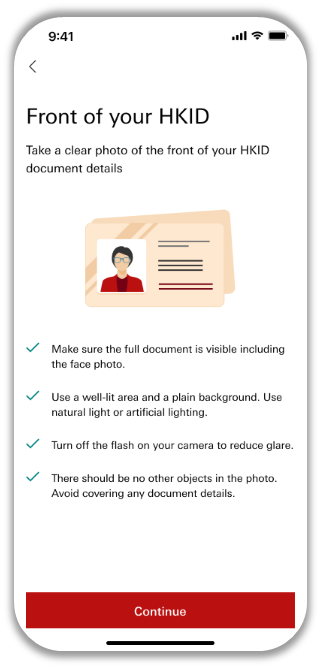
Step 4: Take a photo of your original HKID against a plain background with good lighting.
Tip:
Please make sure your HKID is captured in the frame and in focus.
Note that the HSBC Private Bank Hong Kong App needs access to your camera to scan documents and capture your selfie.
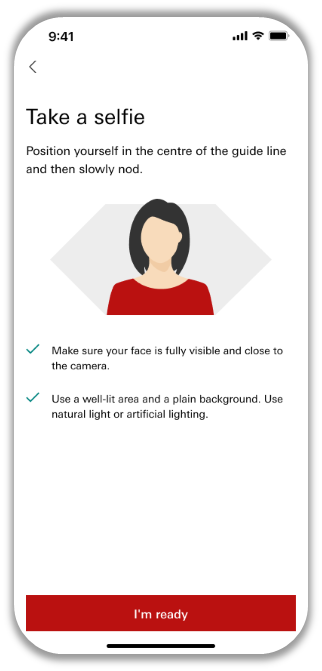
Step 5: Take a selfie against a plain background with good lighting.
Tip:
Please make sure your selfie is captured in the frame and in focus.
We'll complete your mobile provisioning swiftly and you can then log on to the HSBC Private Bank Hong Kong App right away. We may need more time to verify your identity for some cases, but we'll notify you of the result within 24 hours via SMS and email. Upon successful mobile provisioning, you can relaunch the app to log on.
If you've trouble completing your mobile provisioning with the HSBC Private Bank Hong Kong App, contact your Relationship Manager or local HSBC Private Bank representative.
If you're 18 or above, you can set up the HSBC Private Bank Hong Kong App simply with your Passport and a selfie.
Tips:
- Have your Passport ready
- Complete your set up in a private place with good lighting
Set up with your Passport
Step 1: Download and open the latest version of the HSBC Private Bank Hong Kong App.
Key in the same username and password you used when you registered on the HSBC Private Bank website.
Step 2: Select 'Agree and continue' to proceed with the provisioning process.
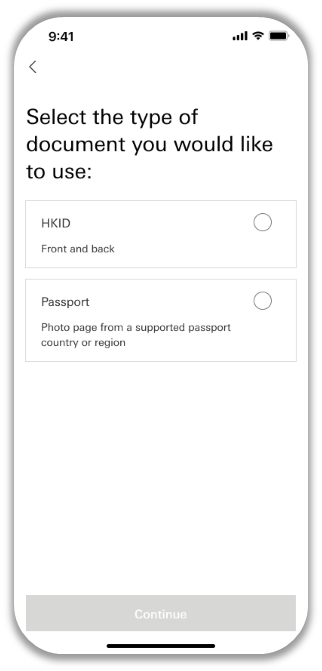
Step 3: Select 'Passport' and click 'Continue'.
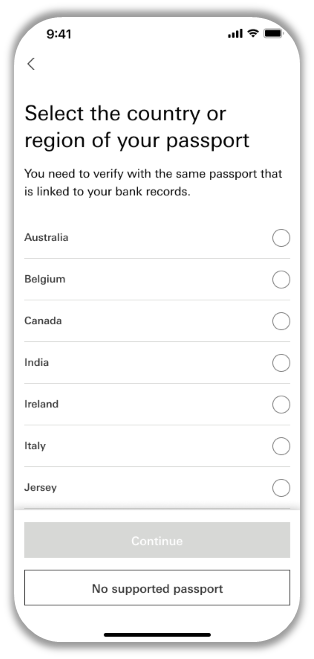
Step 4: Select the country or region of your passport from the list.
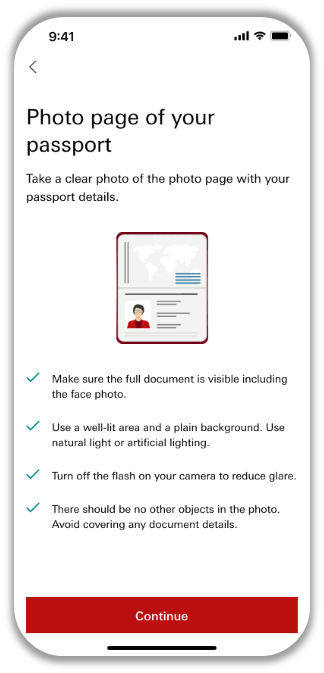
Step 5: Take a photo of your Passport against a plain background with good lighting.
Tip:
Please make sure your Passport is captured in the frame and in focus.
Note that the HSBC Private Bank Hong Kong App needs access to your camera to scan documents and capture your selfie.
Step 6: Take a selfie against a plain background with good lighting.
Tip:
Please make sure your selfie is captured in the frame and in focus.
We'll complete your mobile provisioning swiftly and you can then log on to the HSBC Private Bank Hong Kong App right away. We may need more time to verify your identity for some cases, but we'll notify you of the result within 24 hours via SMS and email. Upon successful mobile provisioning, you can relaunch the app to log on.
If you've trouble completing your mobile provisioning with the HSBC Private Bank Hong Kong App, contact your Relationship Manager or local HSBC Private Bank representative.
Up to five devices can use the mobile app which is available on Apple and Google Play stores in Hong Kong SAR, Singapore, The United Kingdom or the United States of America. Log in will be via a biometric login (fingerprint or face) or numeric ID.
Step 1: Select 'Continue' to proceed with the subsequent device provisioning process.
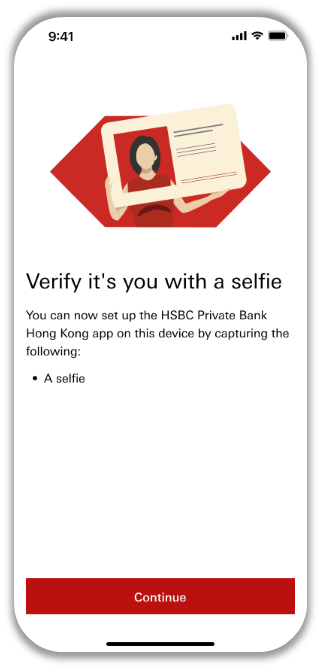
Step 2: Take a selfie against a plain background with good lighting.
Tip:
Please make sure your selfie is captured in the frame and in focus.
We'll complete your mobile provisioning swiftly and you can then log on to the HSBC Private Bank Hong Kong App right away. We may need more time to verify your identity for some cases, but we'll notify you of the result within 24 hours via SMS and email. Upon successful mobile provisioning, you can relaunch the app to log on.
If you've trouble completing your mobile provisioning with the HSBC Private Bank Hong Kong App, contact your Relationship Manager or local HSBC Private Bank representative.
Once you receive the SMS and email regarding successful identity verification, relaunch the HSBC Private Bank Hong Kong App to log on.
Enter your 6-digit passcode to complete the provisioning process.